

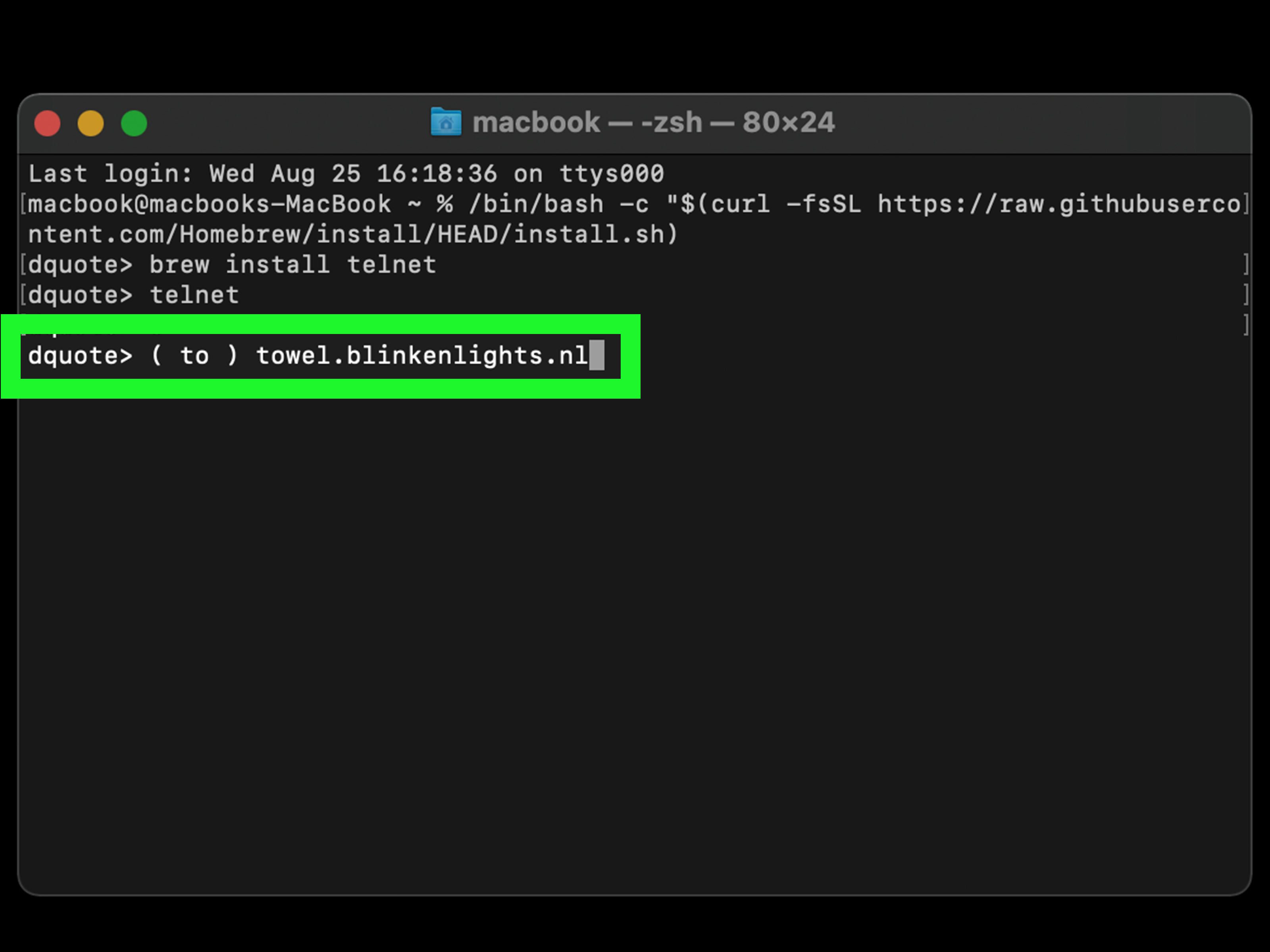
If you have ever wanted to make your computer look like it belongs on the bridge of a very nerdy spaceship, this trick is for you. Yes, you can watch Star Wars on Command Prompt with Telnet. No, it is not a secret Disney+ plan for people who think pixels are too fancy. It is an old-school ASCII animation that plays right inside a terminal window, and it remains one of the most delightful geek party tricks on the internet.
There is something wonderfully ridiculous about turning a plain black Command Prompt window into a text-based sci-fi experience. You type one simple command, press Enter, and suddenly your PC is serving up a retro, text-art version of Star Wars: Episode IV. It feels part movie, part internet history lesson, and part “look what my computer can do” moment.
Note: This Telnet trick is best treated as harmless fun and nostalgia. Telnet is an old, unencrypted protocol, so it is fine for this kind of public ASCII movie stream, but it is not something you should use for sensitive logins or serious remote administration.
What This Trick Actually Does
Let’s clear up one thing right away: you are not launching the official film in Command Prompt. You are connecting to a Telnet host that streams an ASCII-art recreation of Star Wars. That means the characters, ships, and famous opening crawl are drawn using plain text characters instead of modern graphics.
In other words, your computer is not becoming a movie theater. It is becoming a typewriter with ambition.
The appeal here is not cinematic quality. Nobody is claiming this looks better than a 4K remaster. The appeal is the experience itself: a piece of internet culture, a weirdly charming technical joke, and a reminder that creative people can make magic out of little more than letters, symbols, and too much free time.
Why People Search for “Watch Star Wars on Command Prompt”
This topic keeps resurfacing because it hits a sweet spot between nostalgia and curiosity. Some people remember hearing about it years ago and want to see whether it still works. Others discover it for the first time and assume somebody is joking. Then they try it, and five seconds later they are staring at a text-based opening crawl with the biggest grin on their face.
It also has excellent “show-off your computer without actually doing anything useful” energy. That is not an insult. Some of the best command-line tricks are gloriously unnecessary. They exist because computers are supposed to be fun sometimes.
What You Need Before You Start
1. A Windows PC
This guide focuses on Command Prompt on Windows, because that is where most people search for this trick. The method is simple, but modern versions of Windows usually do not have Telnet enabled by default.
2. Telnet Client Enabled
If you type telnet into Command Prompt and Windows acts like you just invented a word, that means the Telnet Client feature is not enabled yet. No drama. You can switch it on in a minute or two.
3. A Working Internet Connection
Because this is a live connection to a remote host, you need internet access. If your network blocks Telnet traffic, the trick may fail even if you do everything correctly.
How to Enable Telnet on Windows
There are two easy ways to enable Telnet on Windows. One uses the Windows interface, and the other uses a command. Choose whichever feels less annoying.
Method 1: Turn On Telnet in Windows Features
- Press the Windows key and search for Turn Windows features on or off.
- Open the Windows Features panel.
- Scroll until you find Telnet Client.
- Check the box next to it.
- Click OK and let Windows install the feature.
That is the friendlier route. It is basically the digital equivalent of opening a closet, finding the dusty old Telnet box, and telling Windows, “Yes, I know this is ancient. Please hand it over anyway.”
Method 2: Enable Telnet from Command Prompt
If you prefer commands, open Command Prompt as an administrator and run this:
Once the command finishes, Telnet should be available. This method is great for people who want to enable Telnet without clicking through menus like it is 2009.
How to Watch Star Wars on Command Prompt with Telnet
Once Telnet is enabled, the fun part is almost suspiciously easy.
Fastest Method
- Open Command Prompt.
- Type the following command:
- Press Enter.
- Wait a few seconds for the ASCII animation to begin.
That is it. Really. No login, no software package, no hidden “Jedi mode” checkbox. Just a simple Telnet connection to a server that streams the text-based animation.
The Old-School Two-Step Method
Some people like to enter the Telnet prompt first and then open the host manually. That looks like this:
Then, from the Telnet prompt, type:
Both approaches do the same job. The one-line version is quicker, but the two-step version feels a little more hacker-movie dramatic, which may matter deeply to you and almost nobody else.
What You Will See
Once connected, your Command Prompt window starts displaying an ASCII version of Star Wars. You should see text-based animation, recognizable scenes, and the famous opening crawl rendered in plain characters. It is charmingly clunky in the best possible way.
The visuals are made from standard keyboard characters, so the effect feels half movie and half art project. That is the point. The whole thing is a celebration of creativity inside technical limitations, which is one reason people still love it.
Do not expect playback controls like pause, rewind, subtitles, or a “skip recap” button. This is Command Prompt, not a streaming platform. It gives you text, movement, and pure retro energy. That is the deal.
How to Exit the Movie
When you are ready to leave the ASCII galaxy behind, press:
That brings you back to the Telnet prompt. From there, you can type:
And just like that, the Force is gone and you are back to your regularly scheduled Command Prompt life.
Troubleshooting Common Problems
“telnet” Is Not Recognized
This usually means Telnet Client is not enabled. Go back and turn on the Windows feature, or use the DISM command shown earlier.
The Connection Fails
If the command runs but the connection does not open, your network may be blocking Telnet traffic, the host may be temporarily unavailable, or something between your PC and the server is refusing the connection. Try again later or use the browser-based Asciimation site as a fallback.
Nothing Seems to Happen
Give it a few seconds. Some terminal connections take a moment to start showing output. If the window remains unresponsive or throws an error, restart Command Prompt and try again.
The Text Looks Weird
Command Prompt fonts and window sizing can affect how ASCII art appears. Maximize the window or use a monospaced default font so the spacing stays clean. ASCII art is picky that way. It is basically a diva made of punctuation marks.
Why Telnet Makes This Possible
Telnet is one of the classic internet protocols for text-based communication between computers. Before slick interfaces and modern remote tools took over, Telnet gave users a way to connect to remote systems through a command-line session.
That text-first nature is exactly why this Star Wars trick works so well. ASCII art lives in a world of characters, spacing, and terminal windows. Telnet is built for sending text back and forth, so streaming a text animation through it is weirdly perfect.
Of course, Telnet is no longer considered a secure choice for sensitive tasks because it does not encrypt traffic. That is why Windows usually leaves it disabled by default now. For a harmless public ASCII movie, though, it is mostly just a fun time capsule.
Is This the Same as Watching the Movie Online?
Not exactly. This is more like watching a legendary fan-made terminal experience than watching a normal movie stream. It is part tech trick, part internet folklore, and part digital museum exhibit.
If you want the polished, cinematic version of Star Wars, use an actual streaming service. If you want to feel like a curious sysadmin from another era accidentally discovered entertainment in a terminal window, this is the move.
Why This Command Prompt Trick Is Still Popular
Because it is simple, surprising, and delightfully unnecessary.
The best internet tricks are often not the most practical ones. They are the ones that make people say, “Wait, your computer can do that?” This one has survived for years because it feels clever without being complicated. Even people who do not care much about command-line tools can appreciate the joke once the opening crawl appears in plain text.
It also sits at the intersection of several cultures at once: Windows nostalgia, terminal curiosity, Star Wars fandom, and classic internet weirdness. That is a pretty powerful cocktail.
Browser Alternative if Telnet Does Not Work
If your network refuses to cooperate or you simply do not want to enable Telnet, the Asciimation project is also available in browser form. That route is more convenient, but it loses some of the charm. Watching it in a browser is nice. Watching it in Command Prompt feels like you unlocked a tiny secret passage in the internet.
So yes, the browser option is practical. But Command Prompt is the version with personality.
Personal Experience-Style Reflections on the Topic
The experience of watching Star Wars on Command Prompt with Telnet is hard to explain to someone who has never tried it, because on paper it sounds underwhelming. You are telling people that a black box full of text can somehow be entertaining. That does not sound like a pitch. It sounds like a punishment. But then you run the command, the screen flickers to life, and suddenly the whole thing makes emotional sense in a weird, wonderfully nerdy way.
What catches many people off guard is the atmosphere. The terminal window feels serious, almost intimidating, and then it starts showing a text-art space opera. That contrast is part of the magic. Command Prompt usually feels like a place where you fix problems, run scripts, or accidentally type something that makes you nervous. Seeing it become a stage for ASCII Star Wars is like discovering your accountant secretly plays bass in a funk band.
There is also a surprisingly social side to it. This is the kind of trick people love to show a friend, coworker, sibling, or random person sitting nearby. It invites reactions. Some people laugh immediately. Some squint at the screen and ask, “Is that Darth Vader made of punctuation?” Others become way too invested, like they have just discovered buried treasure in the least glamorous chest possible.
For longtime computer users, the experience can feel nostalgic even if they have never seen this exact trick before. It taps into a memory of when computers felt more mysterious, when little discoveries traveled by word of mouth, and when terminal windows carried a kind of secret-club energy. You did not need expensive graphics to be impressed. You just needed something clever enough to make you stop and stare.
For newer users, the experience feels different but just as fun. It is a reminder that not every cool thing on a computer has to come from a polished app store or a glossy interface. Sometimes a single command can still feel like a trapdoor opening beneath the ordinary desktop. That feeling is rare, and it is one reason this trick keeps surviving from one generation of curious users to the next.
There is even a tiny lesson hidden inside the novelty. Watching ASCII Star Wars through Telnet quietly teaches you that the command line is not just a scary tool for experts. It can also be playful. It can be creative. It can surprise you. And that matters, because once people realize the terminal is not always out to ruin their afternoon, they become more willing to explore it.
In the end, the experience is not really about watching a movie. It is about seeing the internet and computers at their most inventive: low-fi, slightly absurd, and full of charm. It is a perfect little reminder that technology does not always need to be sleek to be memorable. Sometimes it just needs a blinking cursor, a few old commands, and enough imagination to turn text into a galaxy far, far away.
Conclusion
If you want a fun, retro, and surprisingly charming command-line trick, learning how to watch Star Wars on Command Prompt with Telnet is absolutely worth five minutes of your day. The setup is simple, the command is easy to remember, and the payoff is pure geek joy.
Just enable Telnet, open Command Prompt, run telnet towel.blinkenlights.nl, and enjoy one of the internet’s most beloved terminal Easter eggs. It is not flashy. It is not modern. It is not practical. And honestly, that is exactly why people love it.
Somewhere between the blinking cursor and the ASCII opening crawl, you stop caring that it is made of plain text. You just appreciate that somebody, somewhere, made a command-line window a little more magical.